ZURI Interface
Sector
Healthcare (Medtech)
Overview
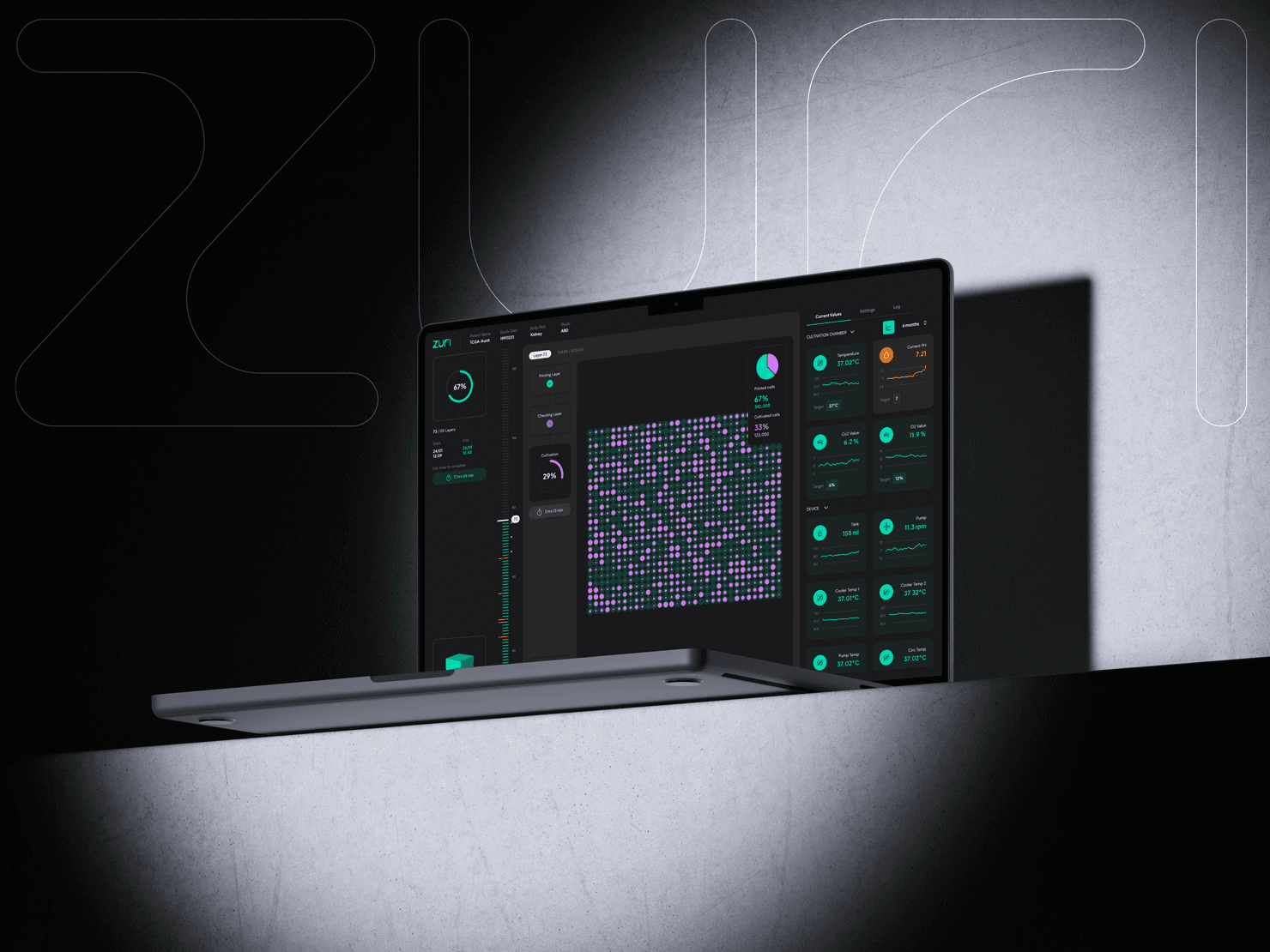
ZURI is a bioprinting device designed to create biological structures. It is used in research and laboratory environments, where precision, control, and reliability are essential. The device allows scientists to print complex tissue-like structures layer by layer, supporting innovation in regenerative medicine and biomedical research.
ZURI combines advanced hardware with digital control software, making the interaction between user and machine a key part of the overall experience.
My role
Product Designer
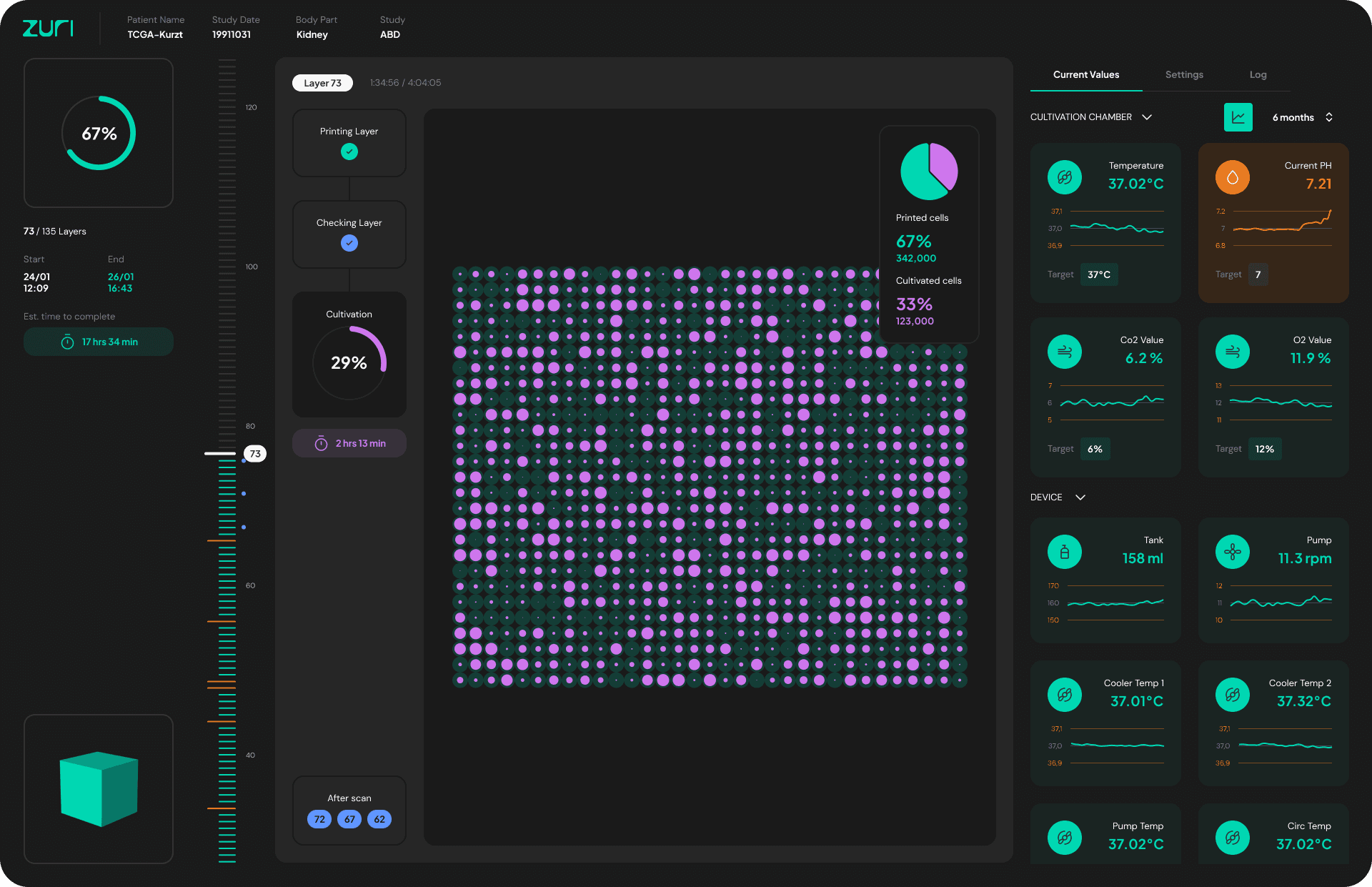
My role was to design the user interface that manages and controls the bioprinting device. This included defining workflows, structuring complex technical settings, and creating an interface that feels precise, professional, and easy to navigate.
Project Goal
The main objective was to create an interface that:
simplifies complex printing parameters
supports accuracy and safety
provides full control over the printing process
presents technical data in a structured and understandable way
Since the device operates in a scientific environment, the design needed to feel reliable, clean, and distraction-free.
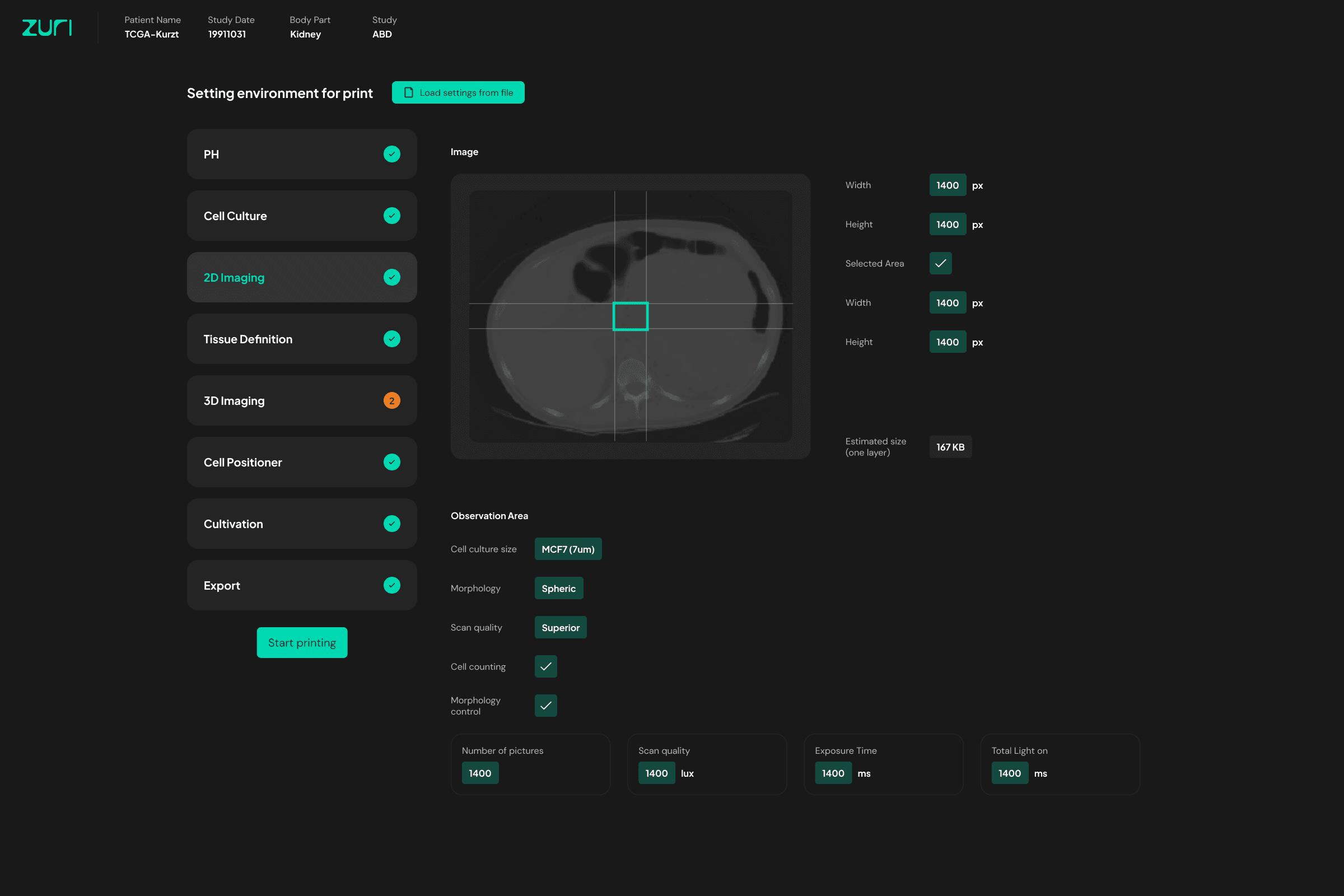
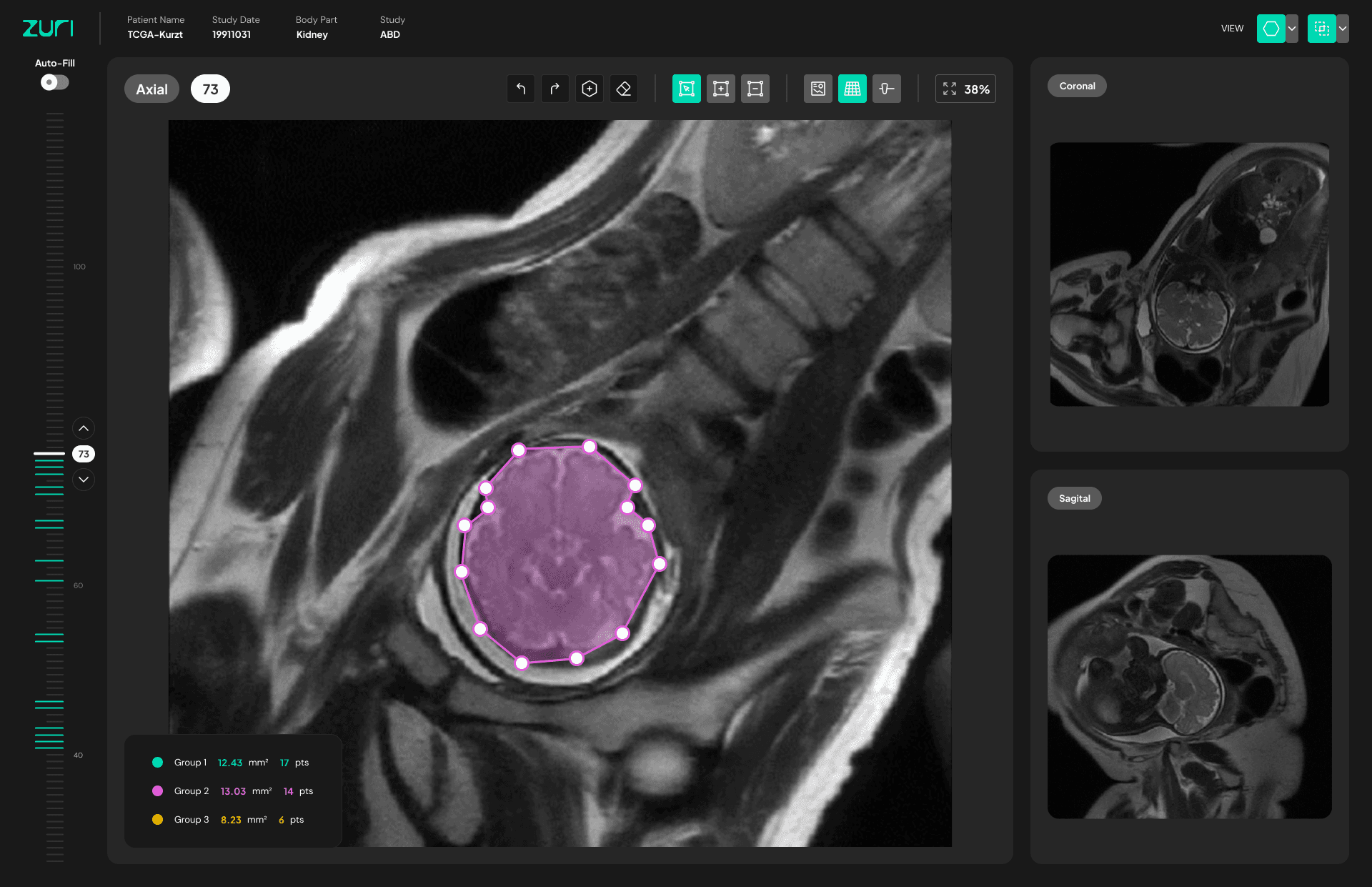
Mapping tool
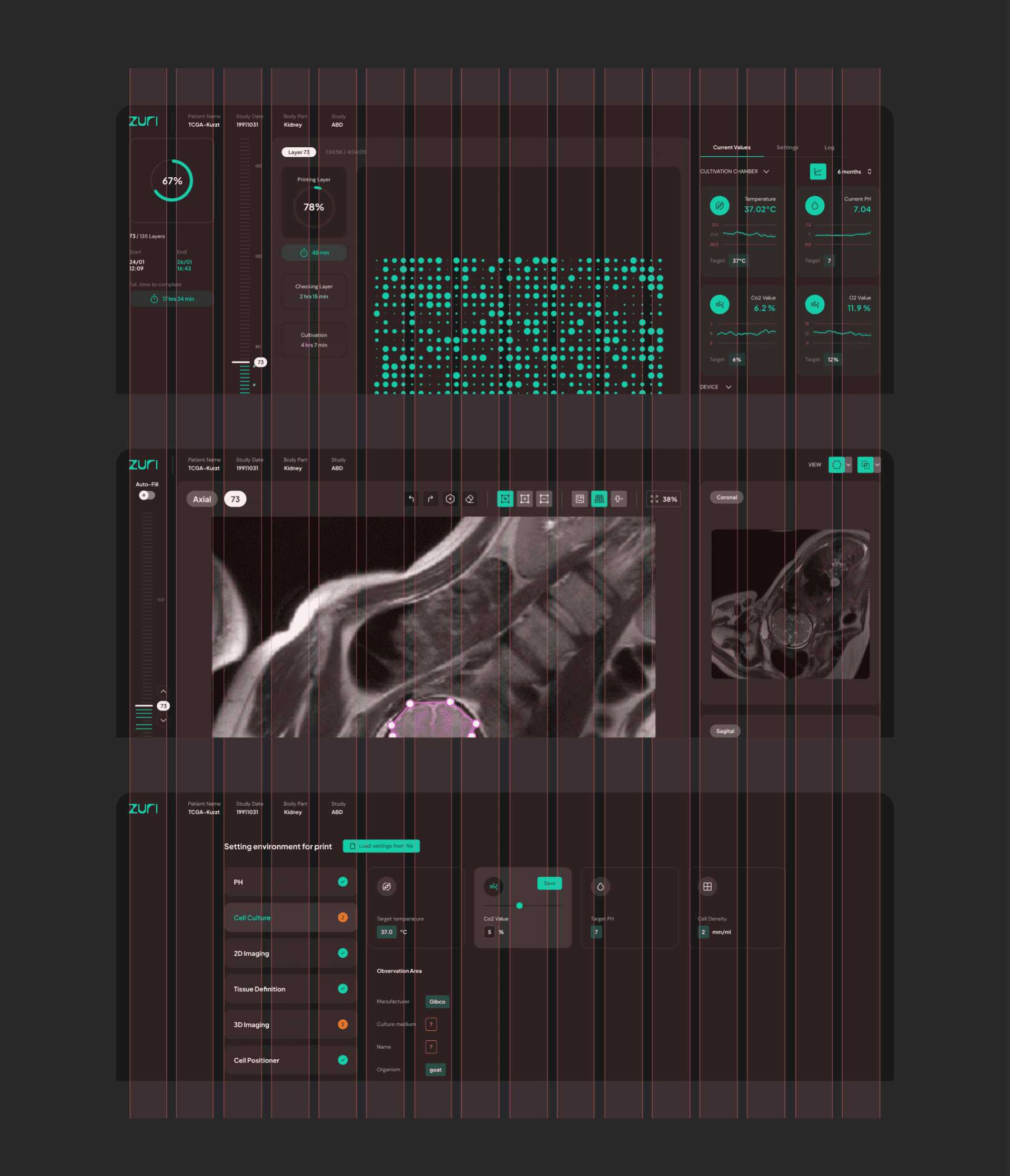
Users can define custom shapes directly on real scan images. By placing and adjusting control points, specific areas can be outlined with precision.
The tool supports multiple scan views and allows detailed contour refinement, ensuring accuracy and full control during the preparation process.
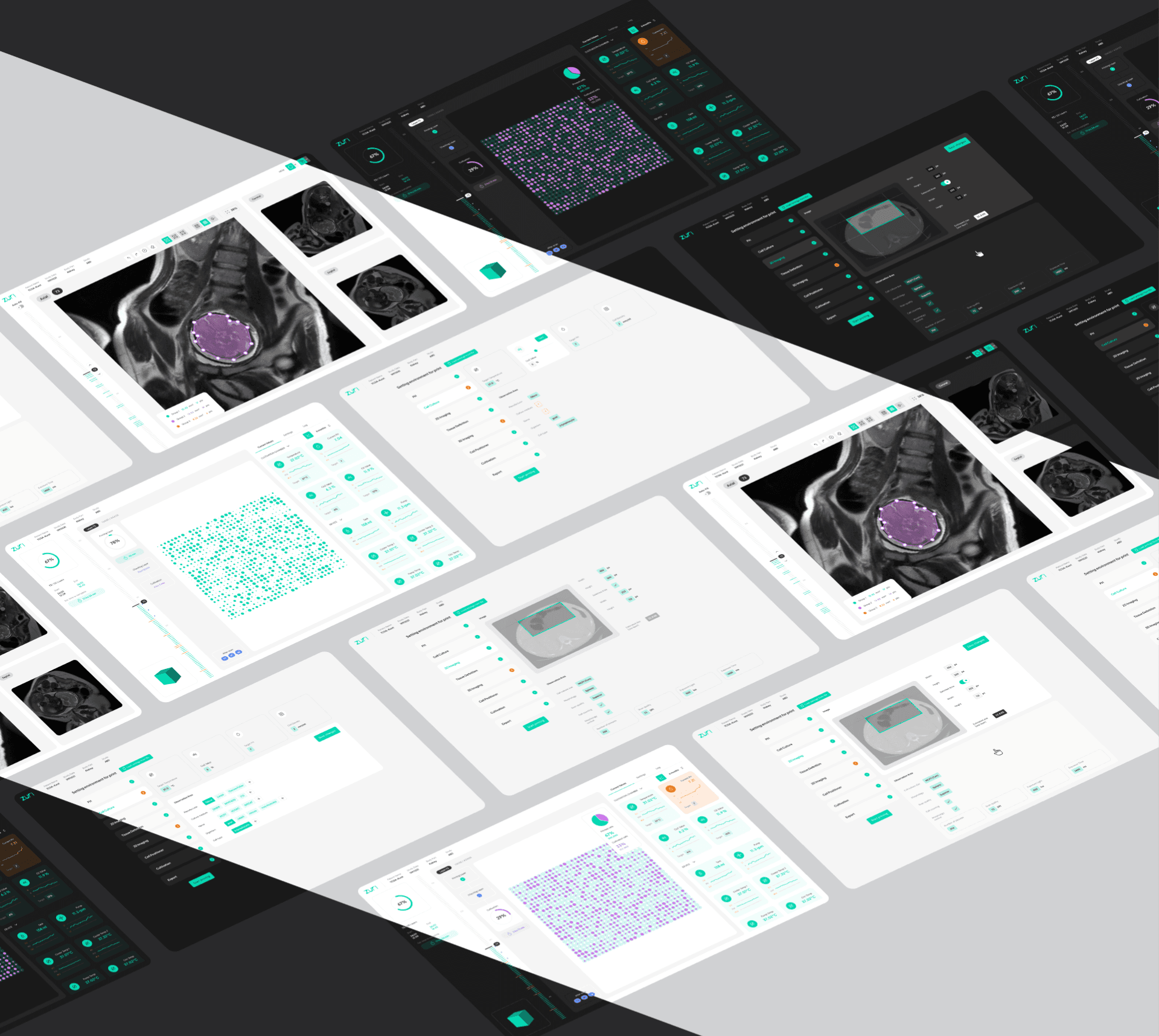
Light & Dark Mode
To support different environments and user preferences, the system includes both light and dark themes.
Dark mode is optimized for focused, long working sessions, helping reduce visual fatigue. Light mode provides a clean and clear appearance for well-lit spaces.
In both versions, accessibility, contrast, and hierarchy remain consistent.
12-Column Grid System
To create structured and scalable layouts, the interface follows a 12-column grid system.
This approach provides flexibility when designing complex dashboards, side panels, and data-heavy views, while maintaining visual harmony.
The grid helps:
keep alignment consistent
support responsive behavior
organize dense information into clear sections